


When choosing the right cord length, we need to take into account the type of cable and application. For example, Ethernet cables like Cat5 and Cat6 have a maximum length of 100 meters. This guarantees signal quality and minimizes loss. If you’re using USB, limit it to about 4 meters to maintain performance. By keeping these standards in mind, we can optimize our installations and avoid issues. Let’s explore more about how to effectively manage cable lengths in your projects!
Key Takeaways
- For structured cabling, adhere to the ANSI/TIA 568 C.2 standard with a maximum length of 100 meters for optimal performance.
- Use Cat5, Cat5e, and Cat6 cables up to 100 meters, but limit Cat6 to 55 meters for 10 Gbps speeds.
- Opt for shorter lengths for USB Type-C cables, ideally not exceeding 4 meters for passive types to ensure signal integrity.
- Consider ambient conditions and load requirements, as they can influence necessary cable sizes and lengths to prevent overheating.
- Regularly monitor cable lengths and conditions to ensure compliance with regulations and maintain optimal performance.
Understanding Cable Length Standards
You may be interested


When we explore understanding cable length standards, it’s important to grasp why these specifications matter. Proper cable length directly influences cable performance and helps us adhere to installation guidelines. For instance, the ANSI/TIA 568 C.2 standard dictates a total maximum length of 100 meters for structured cabling channels. This includes both solid and flexible patch cables. Using these guidelines helps avoid issues like excessive insertion loss or delays, which can disrupt our network speed. Additionally, cord length impacts reach and convenience during cleaning with various vacuum models.
Remember these key points:
- A typical setup uses 90 meters of solid horizontal cable and 10 meters of patch cable.
- Sticking to these lengths helps guarantee our networks run smoothly and effectively throughout their intended distances.
Maximum Lengths for Ethernet Cables
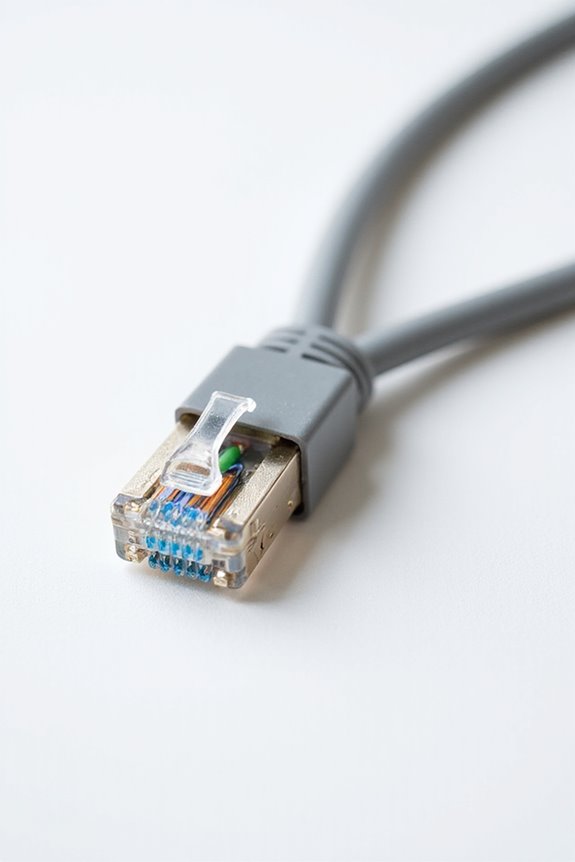
Understanding cable length standards helps us recognize the maximum lengths for various Ethernet cables, which are key to ensuring ideal performance. For Cat5, Cat5e, and Cat6 cables, the maximum length is 100 meters (328 feet). This includes 90 meters of solid cable and 10 meters of patch cable. Exceeding this length can lead to cable attenuation, reducing signal integrity and speed.
For Cat6 cables used at 10 Gigabit Ethernet speeds, the limit drops to 55 meters to maintain performance. Higher categories like Cat7 and Cat8 also have a maximum length of 100 meters, but their bandwidth can support higher speeds. When planning for distance, we should be mindful of these limits to optimize our network performance. Additionally, considering factors like steam pressure levels can further enhance overall cleaning efficiency and performance in various applications.
Recommended Products
![Sonnet Solo 10G Thunderbolt 3 to SFP+ 10 Gigabit Ethernet Adapter (SFP+ [SR] Included)](https://m.media-amazon.com/images/I/416BhQAJcSL._SL500_.jpg)
Adds 10GBASE-T 10GbE Connectivity: Adds an RJ45 10 Gigabit Ethernet port to your computer with Thunderbolt 3 ports.

✅ High-Speed Performance – Supports 10Gbps Ethernet up to 55 meters and 1Gbps up to 100 meters, with a 550MHz bandwidth for high-speed data transmission.

[ 16-Port 2.5Gb Switch with 2×10G Uplink ] – Features 16× 10/100/1000/2.5Gbps RJ45 ports and 2× 10G RJ45 uplink ports, delivering ultra-fast multi-gig connectivity for NAS storage, gaming PCs, workstations, WiFi 6/7 access points, and high-speed business networks.
Power Supply Unit Cable Lengths Explained
Power Supply Unit (PSU) cable lengths can greatly affect performance and installation. When choosing a power supply, understanding cable specifications is essential for your setup. Standard power input cables measure around 2.5 meters in places like Japan, North America, and Europe, guaranteeing compatibility with most desktop systems. However, some cables can be customized, extending up to 10 meters for larger installations.
For server environments, shorter cables, often between 0.25 and 0.5 meters, are preferred to minimize clutter and improve airflow. This careful selection of lengths not only guarantees cleaner setups but also maintains electrical efficiency. Remember, adequate cable lengths help avoid resistance issues, securing stable voltage and safety for your devices. Also, long power cords allow for extensive reach, similar to features found in top commercial vacuum cleaners.
Recommended Products
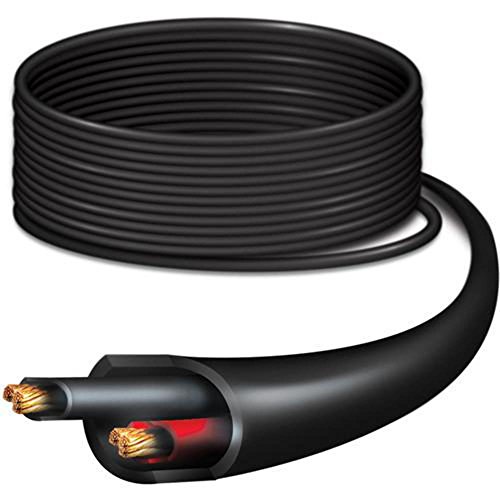
Ubiquiti PowerCable PC-12 Carrier-Grade Outdoor Electrical Cable 1000ft (304m)

【CYBENETICS PLATINUM & ATX 3.1 STANDARDS】- This 1050W power supply achieves 93% efficiency at 230V 50% load, complying with the latest Intel ATX 3.1 standards. It features a native PCIe 5.1 12V-2x6 interface and includes a 600W 90-degree pure copper cable, compatible with NVIDIA RTX 50 series graphics cards for seamless high-performance gaming

【3 Prong Computer Power Cable】Voltage & Amps: 10a 125v, 3000W / 5000W Power Cord,Connector: IEC-60320 (IEC320) C13 to NEMA 5-15P, Jacket Material: PVC, Jacket Rating: SVT, Wire Gauge:16 AWG ( 3*1.309mm²)/ 14AWG( 3*2.081mm²), Color: Black.
Factors Influencing Cable Length Needs
Choosing the right cable length for your electrical setup is essential, especially since various factors influence our needs. First, cable resistance impact means that longer cables can cause more voltage drop, especially with high load current considerations. To prevent this, we should follow industry standards like the 4% maximum voltage drop.
Here are key factors to take into account:
- Distance: Longer runs may require larger conductors to reduce resistance.
- Ambient Conditions: Heat can reduce our cables’ current-carrying capacity, affecting their length.
- Load Requirements: Higher loads need larger cable sizes to prevent overheating. Additionally, it’s important to consider battery runtime longevity to ensure that the electrical system can support the load without frequent interruptions.
Cable Types and Their Length Limitations
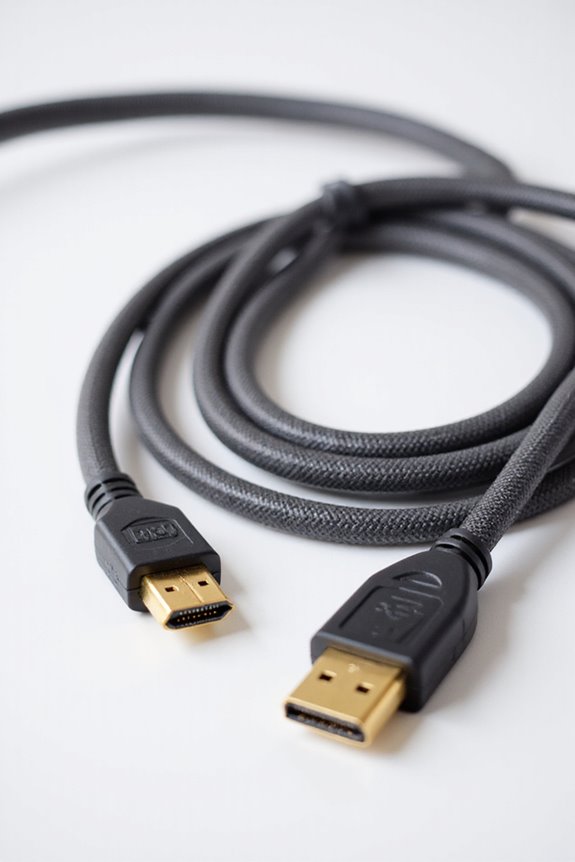
When it comes to cable types, we’ve got a variety of options, each with its own length limitations. For instance, USB specifications recommend a max length of 4 meters for passive USB Type-C cables. Meanwhile, FireWire limitations restrict its effective distance to 72 meters, though individual cables typically only reach 4.5 meters.
On the other hand, fiber optic cables provide huge advantages, allowing OM4 multimode fiber to stretch up to 550 meters at 10 Gbps. If you’re using HDMI cables, remember that lengths up to 15 meters work well for passive setups, but anything longer may require HDMI boosters. Understanding these specifications helps in choosing the right cable for your needs. Additionally, evaluating suction power specifications can further inform decisions related to cleaning technology and its electrical requirements.
Recommended Products

Going portable shouldn’t mean giving up processing power. And it no longer has to, thanks to the 15.6" V15 G2 Laptop from Lenovo. Intended to provide performance on the go, the V15 features a Intel Celeron N4500 Processor @ 1.10GHz ( 2 Cores, 4M Cache, up to 2.80 GHz).

Going portable shouldn’t mean giving up processing power. And it no longer has to, thanks to the 15.6" V15 G2 Laptop from Lenovo. Intended to provide performance on the go, the V15 features a Intel Celeron N4500 Processor @ 1.10GHz ( 2 Cores, 4M Cache, up to 2.80 GHz).
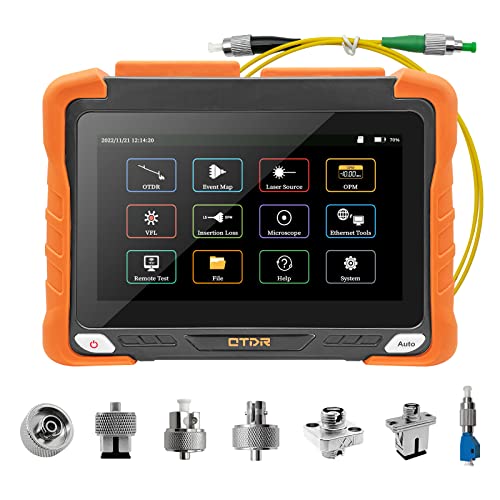
【Professional OTDR Measuring】RSO-6200-S0 OTDR fiber optic tester provides high accurate measurements. For OTDR test, select the test wavelength 1310/1550nm and dynamic 32dB/30dB should be matched. Test range can up to 420km/260mi. Real-time test mode, selected test time is the average mode, also can one key automatic test. Not support live test. OTDR advanced settings test, consists of measurement, analysis settings, pass/fail, and general settings parameters.
Optimal Lengths vs. Maximum Capacities
Ideal lengths for cables are essential to ensuring reliable performance while adhering to maximum capacity limits. Generally, we recommend keeping Ethernet cables close to 328 feet (100 meters) to maintain signal integrity without exceeding restrictions. While higher cable categories improve speed and bandwidth, they don’t allow for longer lengths; for example, Cat6 drops to 55 meters for 10Gbps applications. To maintain optimal cable performance, it’s crucial to evaluate environmental factors and minimize connections that could degrade the signal. Shorter runs yield better outcomes, but not excessively short, which can lead to inefficiencies. Ultimately, aiming for those maximum capacity guidelines helps balance practicality while preserving data transmission quality throughout your network. Moreover, strong suction vacuums can also benefit from optimal cable management to ensure safe and efficient operation during cleaning tasks.
Practical Cable Length Measurement Techniques
Accurate measurement of cable lengths is vital for guaranteeing reliable network performance, and there are various techniques we can utilize. Two common methods are capacitance measurement and TDR techniques.
- Capacitance Measurement: This estimates cable length by measuring the ability of two conductors to store electrical charge. It offers a typical accuracy of ±4-5%, depending on the cable type.
- TDR Techniques: This method sends a signal down the cable, measuring the time it takes for reflections to return. This helps calculate the cable’s length accurately.
For both techniques, using paired conductors is essential. Calibration with known-length cables can improve accuracy. Knowing the mutual capacitance coefficient specific to your cable guarantees precise measurements, making these techniques reliable for our needs.
Tips for Managing Cable Length in Installations
Managing cable length in installations is essential for creating an organized and efficient workspace. By estimating the necessary lengths, we can avoid excessive slack that creates clutter. For instance, using custom-length cords improves aesthetics and reduces trip hazards.
To enhance cable organization, consider grouping cables with sleeves or zip ties, securing them every 6 inches. Establishing common cable pathways helps keep everything tidy and reduces the risk of damage. Additionally, using cable boxes or containers hides surplus length from view.
Finally, labeling ends and connectors simplifies maintenance and troubleshooting. Regularly reviewing our cable management setups keeps everything in top shape, ensuring safety and performance. By implementing these strategies, we’ll create a clean and efficient working environment.
Recommended Products

Professional Cable Tie made of Polyamide 6.6
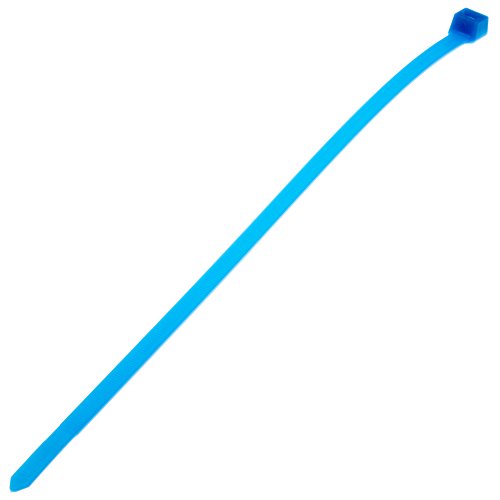
Ideal for applications requiring resistance to environmental stresses such as chemical attack, gamma radiation, ultraviolet radiation

PACKAGE CONTAINS: 3,750 heavy duty, stainless steel metal zip ties
Adjusting Cable Lengths for Different Applications
When we consider cable lengths for different applications, it’s crucial to tailor our approach based on specific needs. Certain application requirements, like surveillance cameras and digital signage, may demand longer cable runs beyond standard limits.
Here are key performance impacts to remember:
- Signal Quality: Long cables can lead to attenuation, affecting the speed and clarity of transmission.
- Network Speed: For instance, Cat6 cables perform well up to 100 m at 1 Gbps but drop considerably for higher speeds like 10 Gbps.
If we extend cable lengths, we should evaluate the solution—using extenders or even switching to fiber optic cables—to guarantee our systems remain reliable and efficient. Always prioritize the application’s specific needs and performance impacts when making these adjustments.
Recommended Products
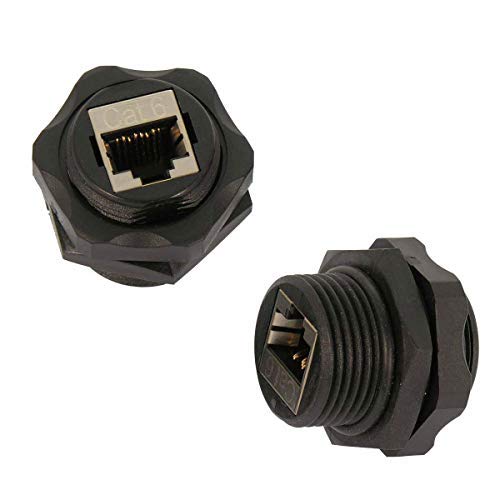
Female Connector: The Shielded Industrial Panel Mount Is A Female/Female Couple.

OREI 8 Inputs & 8 Outputs + 8 Loop out Over CAT5e/6/7 LAN Cable upto 330 Feet. Plus 8 Additional Loop Out At Local Source. Perfect Professional Distribution Product, ideal for 4K Blu Ray Players, Game Consoles, Media Players, Satellite Receivers, Computers, Laptops and Other Sources. The device comes with a dual voltage supply using a US plug, and an adapter/converter is provided for international use.

✔ 𝐇𝐃𝐌𝐈 𝐄𝐗𝐓𝐄𝐍𝐃𝐄𝐑 𝐎𝐕𝐄𝐑 𝐂𝐀𝐓𝟓𝐄/𝟔 𝐂𝐀𝐁𝐋𝐄: Extend 1080P up to 230 feet (70 meters) or 4K@60Hz (4:2:0) up to 130 feet (40 meters) over Cat5e/6 UTP cable. Support 1080P 3D. The video is transmitted using uncompressed HDBaseT technology. 60HZ 4K ULTRA HD SUPPORT: 60Hz@4K, 1080P,1080P 3D, 1080I, 720P, 576P, 576I, 480P, 480I
Ensuring Compliance With Cable Length Regulations
Ensuring compliance with cable length regulations is essential for safe and efficient installations. Proper installation practices help us prevent issues like cable sagging, which can lead to damage over time. We should space supports no farther apart than 610 millimeters (24 inches) to keep cables securely in place.
Moreover, it’s vital to size conductors correctly to prevent voltage drop exceeding 10% at load terminals. By following these guidelines, we not only enhance safety but also maximize the cable’s performance.
Frequently Asked Questions
What Tools Are Recommended for Measuring Cable Lengths Accurately?
When it comes to measuring cable lengths accurately, I recommend using TDR cable meters or mechanical length counters. These cable measuring tools guarantee precise measurements, making my work much more efficient and reliable in various settings.
How Do I Determine the Right Cable Length for Unusual Setups?
Did you know that 15-20% of cable length should account for future adjustments? For custom setups, I always prioritize proper cable management, factoring in extra length for bends and tight spaces to guarantee a smooth installation.
Can I Use Longer Cables Without Affecting Performance?
I can’t use longer cables without risking signal degradation. Different cable types can vary in performance, but exceeding recommended lengths often leads to issues. It’s essential to choose wisely and stick to guidelines for best results.
What Are the Implications of Using Non-Standard Cable Lengths?
As they say, “A stitch in time saves nine.” Using non-standard cable lengths complicates installation challenges, risking adherence to cable standards. It can lead to signal issues, increased costs, and unnecessary headaches down the line.
How Can I Avoid Cable Clutter During Installation?
To avoid cable clutter during installation, I focus on effective cable management. My tips include bundling related cables, using Velcro ties for organization, and planning routes ahead to maintain clarity and functionality throughout the space.


